Build Your Website Free: No Code, No Confusion
Launch professional websites and landing pages in hours, not weeks.

Why You Need a Website in 2025
Social media platforms come and go. Algorithms change overnight. Your website? You own it. Forever. It's your digital home base where you control everything.
Whether you're a freelancer, small business, content creator, or entrepreneur, a website builds credibility. People trust businesses with websites 75% more than those without.
Best part? Building a website is easier than ever. No coding required. This course shows you exactly how.
What You'll Build
Project 1: Personal Portfolio Site
Showcase your work, skills, and experience. Perfect for:
- Freelancers needing a professional presence
- Video editors displaying their reels
- Content creators building their brand
- Job seekers standing out from competition
Project 2: High-Converting Landing Page
Build pages that turn visitors into customers. Learn the psychology of conversion:
- Attention-grabbing headlines
- Compelling copy frameworks
- Strategic call-to-action placement
- Email capture forms that work
- Social proof and testimonials
Project 3: Simple Business Website
Multi-page site with services, about, and contact pages. Everything a small business needs to get online fast.
Project 4: Coming Soon Page
Build hype before launch. Collect emails. Create urgency. Perfect for new products or services.
Build a Free Website Without a Webmaster | AI Powered
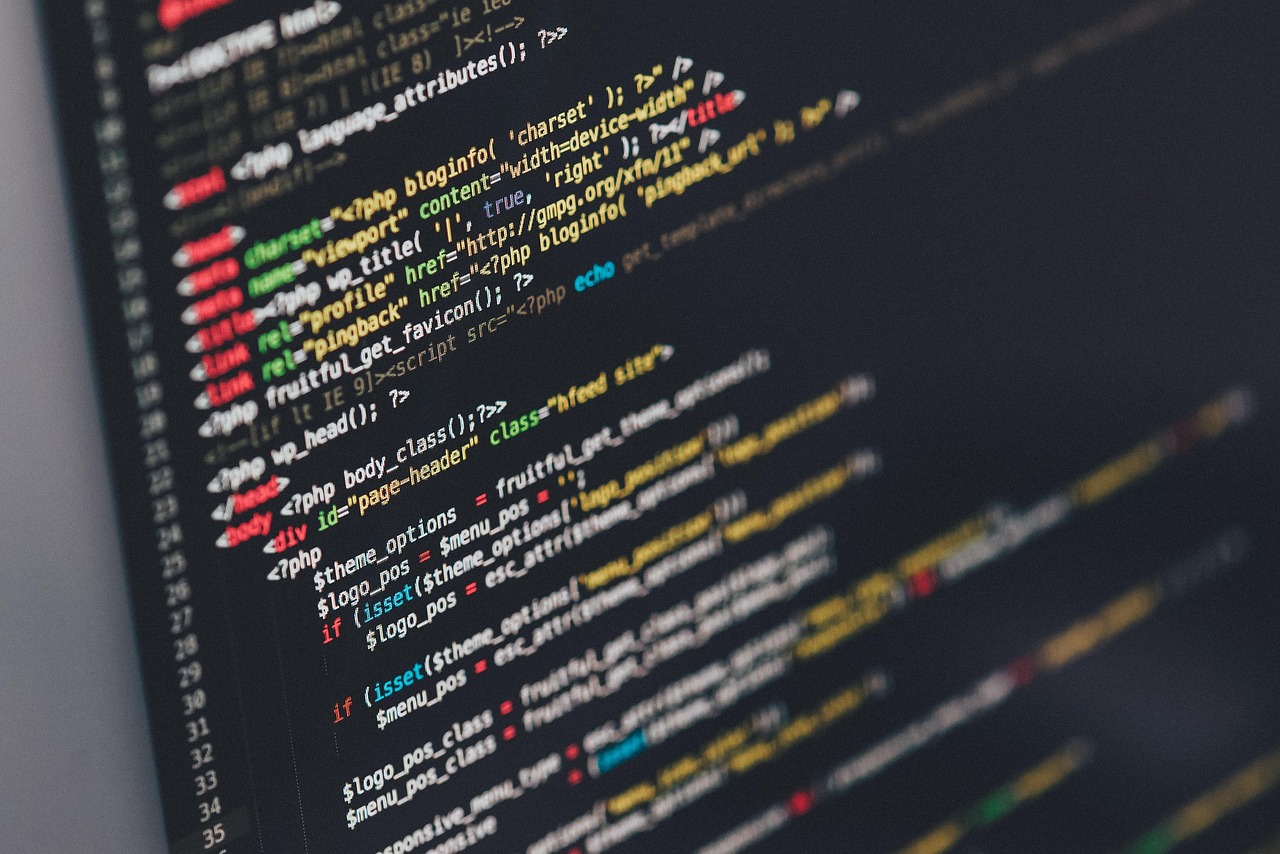
You can build a complete website with AI. You write your idea. The AI writes your code. You add a logo from Canva and free images from Pixabay. This course shows every step.
Claude AI
Describe the website you need and Claude writes full code for you. It delivers HTML, CSS, and JavaScript in seconds. You can upload the files to any hosting. It works well for custom layouts and complex features. The free tier is enough for most users.
ChatGPT
Explain your website vision and ChatGPT produces complete, ready to use code. You copy and paste the output into your files. It works for landing pages and multi page sites. The free version is strong. The paid plan gives faster and more advanced options.
DeepSeek
DeepSeek is a free AI tool that generates clean website code from simple text instructions. It is fast and ideal when you want many variations. There are no usage limits.
Canva
Use Canva to create your logo. Choose a simple layout. Add your brand name. Export as PNG for your site. Keep the design clean so it looks sharp on mobile and desktop.
Pixabay
Use Pixabay to download free, license safe images. Search for images that match your website topic. Save them as small, optimized JPG or PNG files to keep your site fast. Rename each file with clear keywords. Add short, descriptive alt text for SEO.
The course teaches you how to combine all these tools. You write a description. The AI builds your pages. Canva designs your logo. Pixabay gives you free images. You launch the site without coding and without hiring a webmaster.
Essential Skills You'll Learn
Design Fundamentals
No design degree? No problem. Learn principles that make websites look professional:
- Color theory basics
- Typography that's readable
- White space and layout
- Mobile-responsive design
- Image optimization
Content Strategy
Great design with bad content fails. You'll learn:
- Writing compelling headlines
- Structuring pages for scannability
- Creating effective CTAs
- SEO basics for better rankings
Forms and Email Capture
Build your email list from day one. Connect to Mailchimp, ConvertKit, or any email service. We cover GDPR compliance too.
Analytics Setup
Track visitors, understand behavior, improve results. Google Analytics installation and basic reporting.
Domain and Hosting
You'll learn about:
- Free options: Subdomains for testing (yoursite.wordpress.com)
- Custom domains: How to buy and connect (yoursite.com)
- Free hosting: Where to get it and what limitations exist
- Paid hosting: When to upgrade and recommended providers
Start free. Upgrade when ready. No pressure.
Speed and Performance
Slow websites lose visitors. You'll learn simple optimization tricks:
- Image compression without quality loss
- Caching basics
- Choosing fast themes/templates
- Removing unnecessary plugins
- Mobile speed optimization
SEO Essentials
Build it right from the start. Basic SEO included:
- Meta titles and descriptions
- Heading structure (H1, H2, H3)
- Alt text for images
- URL structure
- Internal linking
- Google Search Console setup
Beyond the Basics
Once you master website building, expand your skills:
- Add video content to boost engagement
- Use AI tools for faster content creation
- Integrate e-commerce for selling products
- Build membership sites
- Create online portfolios
Student Success Stories
Lisa built her photography portfolio and booked 3 clients in the first week. Tom launched a local service business site and gets 50+ leads monthly. Sarah created a landing page for her course and collected 1,000 emails before launch.
They started with zero web skills. Just like you.
Course Structure
8 modules. 25+ video lessons. Practice projects. Real examples. Everything you need to go from zero to launched website.
Time commitment: 2-3 hours to complete. Your first site can be live the same day you start.
Support: Student community, Q&A, and troubleshooting help included.
Start Building Today
Every day without a website is a day of missed opportunities. Job offers. Client leads. Collaboration requests. Your website works 24/7 promoting you.
You don't need to be technical. You don't need a budget. You just need to start.
This course removes all barriers. By tomorrow, you could have a live website with your name on it.
Build Your Website Free
Join thousands who've launched their online presence with this course. No credit card. No risk. Just results.
Start Building NowFree forever • Instant access • Complete in one afternoon